CI/CD in the Home Lab: Docker Gotchas, Resource Limits, and Real Engineering Lessons
Following up on Operationalizing GitHub Runners: Tokens, Automation, and Persistence, let’s tackle the final set of challenges and lessons from running CI/CD in a home lab.
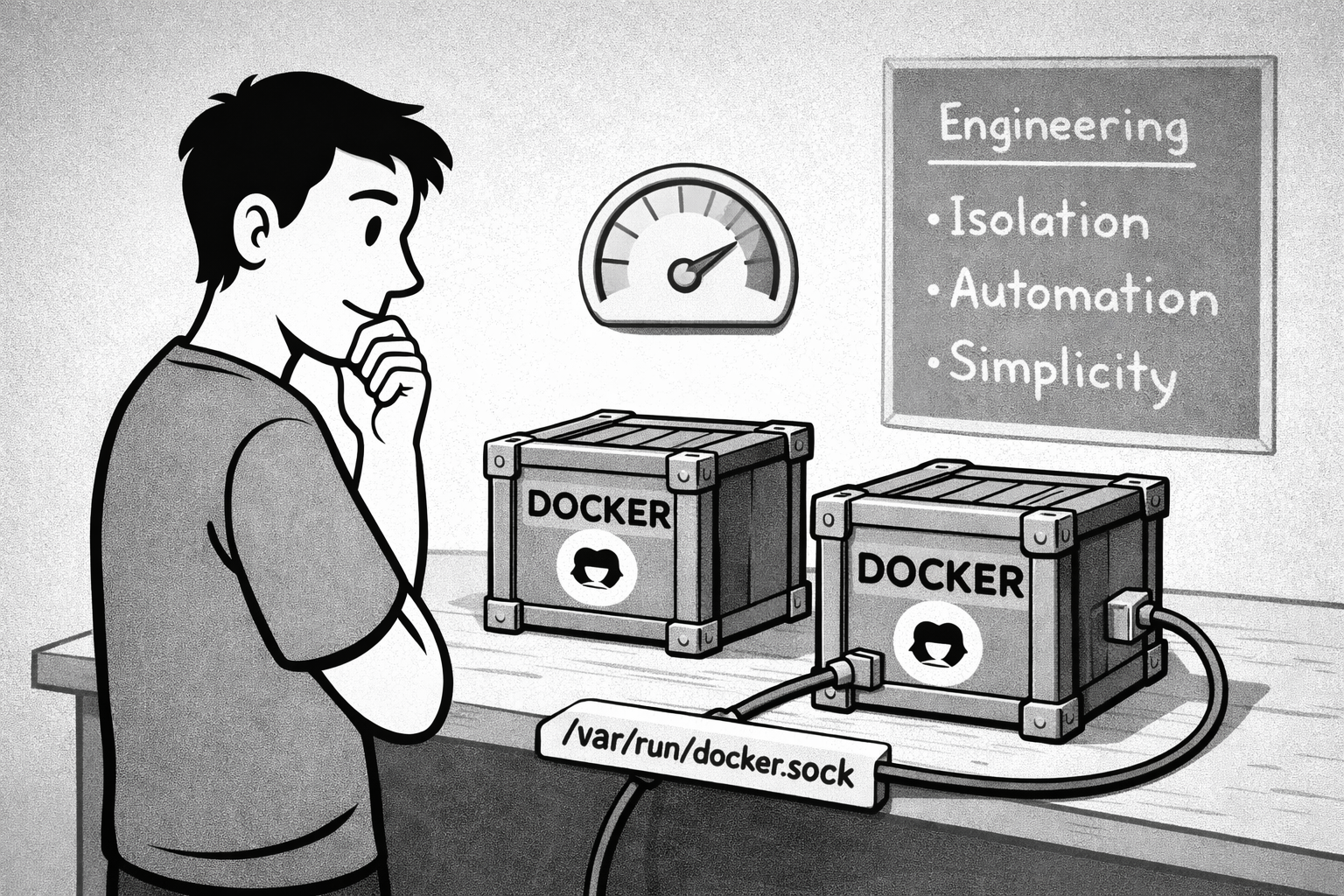
Docker Socket Access: The Other Gotcha
There was one more issue to solve. My GitHub Actions workflows need to build Docker images and deploy containers. But when the runner tried to execute Docker commands, it failed with: Cannot connect to the Docker daemon at unix:///var/run/docker.sock.
This makes sense—by default, a Docker container can’t access the host’s Docker daemon. The runner container is isolated, with no visibility into the host’s Docker socket.
The fix was to mount the Docker socket from the host into the runner container:
-v /var/run/docker.sock:/var/run/docker.sock
This gives the runner access to the host’s Docker daemon, allowing it to build images, push to registries, and manage containers just like it would on a bare-metal runner. It’s a common pattern for CI/CD runners, though it does mean the runner has elevated privileges. For a personal lab environment, that trade-off is acceptable. In a production or multi-tenant setup, you’d want to think more carefully about security boundaries.
With the socket mounted, my workflows could build and push Docker images without issue. One more piece of the puzzle in place.
Thinking About Scale and Resources
One thing I had to consider: how many runners can I realistically run? Each runner is a Docker container, which means memory overhead, CPU usage, and disk space. My VM has 4GB of RAM, which sounds modest, but for personal projects with light to moderate workloads, it’s more than enough.
I’m not expecting to run more than one or two builds simultaneously. These are personal projects, not a CI/CD factory. But I wanted to make sure I wasn’t setting myself up for resource contention down the line.
The solution was simple: monitor and adjust. I can check Docker stats to see how much memory and CPU each runner consumes. If I start hitting limits, I can either scale up the VM (Proxmox makes this easy) or get smarter about scheduling builds.
This pragmatic approach—start simple, observe, iterate—is how I’m managing the entire home lab. I’m not over-engineering for hypothetical scale. I’m building what I need now, with enough flexibility to adapt later.
What This Taught Me About CI/CD
Before this project, CI/CD felt like magic. You push code, and somehow a pipeline runs, builds your app, and deploys it. But setting up your own runner demystifies the whole thing.
A runner is just a process that polls GitHub for jobs, downloads your code, executes the steps in your workflow, and reports results. That’s it. The “magic” is just well-designed automation.
Understanding this makes you a better engineer. When a pipeline fails, you know where to look. When you need to optimize build times, you know what’s actually happening. And when you’re designing workflows, you can make informed decisions about parallelism, caching, and resource usage.
This is why I keep coming back to infrastructure-first thinking. The closer you get to the metal, the more you understand how the abstractions work. And that understanding makes you more effective, whether you’re debugging a production issue or architecting a new system.
The Bigger Picture: Ownership and Learning
Setting up a self-hosted runner isn’t just about saving a few bucks on CI/CD minutes. It’s about owning the infrastructure and understanding how the pieces fit together.
Every time I make a decision like this—choosing Docker over bare metal, handling restarts with systemd services (not just Docker restart policies), automating token management—I’m reinforcing core engineering principles. Isolation. Repeatability. Simplicity. Automation. These aren’t abstract concepts; they’re practical tools that shape how systems behave.
The token expiration problem was a perfect example. I could have just lived with manual token grabbing, accepting the friction as “part of the process.” But good engineering means recognizing unnecessary toil and eliminating it. The few hours I spent writing and testing the automation script will pay dividends every time I need to spin up, recreate, or troubleshoot a runner.
And here’s the thing: this knowledge transfers. The skills I’m building by managing a home lab—containerization, orchestration, documentation, operational discipline, credential management—are the same skills that make you effective in production environments. The tools might differ (K3s vs. EKS, Proxmox vs. VMware), but the engineering mindset is identical.
That’s why I’m doing this. Not to become a DevOps expert, but to become a better backend engineer—someone who understands how systems run, how to make them reliable, how to automate away toil, and how to document and communicate that knowledge to others.
What’s Next
With the runner setup complete, I can now automate the entire deployment pipeline for PermaTechHub. Every push to main will trigger a build, run tests, push Docker images, and deploy to my K3s cluster. It’s the kind of workflow that makes iteration fast and reduces the friction between writing code and seeing it run.
But before I get there, I need to finish wiring up the registry, configure Tailscale for secure access, and set up the ingress controller. Each piece builds on the last, and each piece is an opportunity to learn, document, and iterate.
That’s the beauty of building something real. Every decision matters. Every trade-off teaches you something. And every piece of infrastructure you stand up is one more layer of confidence that you can actually ship and operate software.
If you’re thinking about setting up your own runner—or any piece of infrastructure—my advice is simple: start messy, capture notes, and let the process teach you. The technical details will click into place. The real skill is learning how to think through problems, make trade-offs, and document what you discover along the way.
Because in the end, that’s what engineering is: not just solving problems, but building the understanding and discipline to solve them repeatedly, reliably, and with clarity. One runner at a time.
And, as is now tradition in this home lab, all the hard-won lessons and operational wisdom from this CI/CD runner journey have been captured in the corresponding playbook—so future me (or any curious visitor) can skip the drama and get straight to the good stuff. If you want to see how these blog posts evolve into actionable, living documentation, check out Notes to Playbooks to Runbooks: How I Turn Lessons Into Lasting Knowledge. It’s the connective tissue that keeps this whole experiment honest, useful, and just a little bit more future-proof.