Operationalizing GitHub Runners: Tokens, Automation, and Persistence
Following up on Thinking Through a Self-Hosted Runner: Why, Scope, and Dockerization, let’s get into the operational realities of running your own GitHub Actions runner.
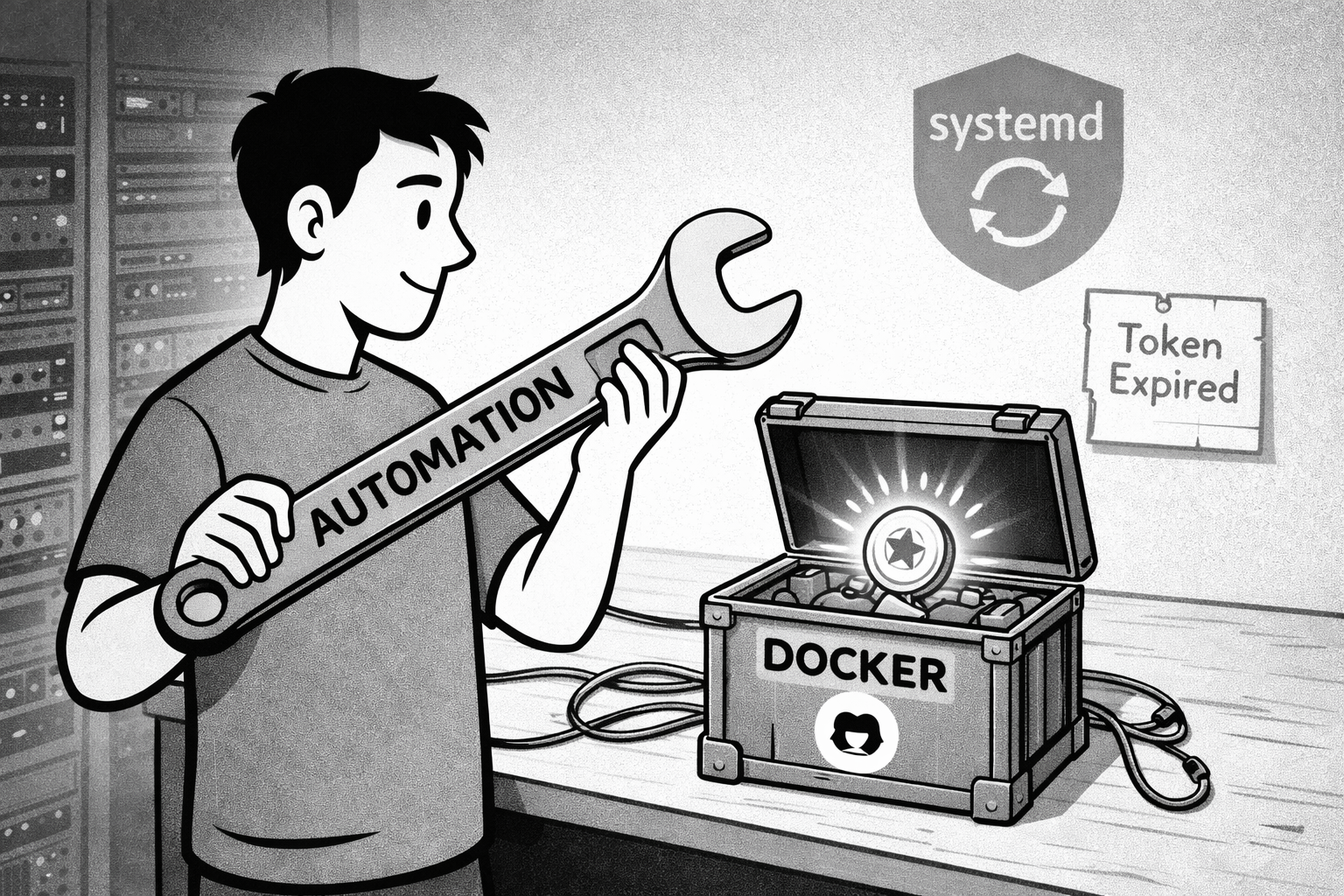
Handling Persistence and Restarts
One concern with running anything in Docker is: what happens when the VM reboots? Do I have to manually restart every runner? That’s not sustainable.
At first, I thought Docker’s built-in restart policies would solve this. By adding --restart unless-stopped to the docker run command, the container automatically restarts if it crashes or if the VM reboots. It’s a simple flag that seemed like it would eliminate operational toil.
I also mounted a volume for runner configuration data (-v ~/github-runner:/runner). This ensures that if I need to recreate the container, the runner’s state persists. Not strictly necessary for stateless CI/CD runners, but it’s good practice.
But here’s the catch I discovered later: Docker’s restart policy isn’t enough for GitHub Actions runners. When the VM reboots, Docker dutifully restarts the container—but the runner fails to register with GitHub because the registration token has expired. The container runs, but it’s not actually functioning as a runner.
This was a subtle but important lesson. The restart policy handles the container lifecycle, but it doesn’t handle the application-level state—in this case, the need for a fresh registration token. I needed a different approach.
Registration Tokens: The First Attempt That Failed
Here’s where the GitHub UI threw me a curveball. When you go to add a new self-hosted runner in your repo settings, GitHub shows you a script with instructions to download and configure the runner manually. The script includes commands like ./config.sh --url https://github.com/youruser/yourrepo --token XXXXXX.
But I’m not running the runner manually—I’m running it in Docker. So where’s the token?
It took a moment to realize: the token is embedded in that script. GitHub generates a registration token and includes it in the setup instructions. You just need to extract it and pass it to the Docker container as an environment variable.
This is one of those small UX friction points that’s obvious in hindsight but not immediately clear when you’re figuring things out. The GitHub UI is designed for the “install on bare metal” workflow, not the containerized workflow. So you have to mentally translate what the UI is showing you into what you actually need.
I grabbed the token, ran the docker run command, and within seconds, the runner appeared in my repo’s Actions settings, marked as “Idle” and ready to accept jobs. It just worked.
Or so I thought.
The Token Expiration Problem
The next day, I went to spin up a runner for another project. I copied my working command, updated the repo URL and container name, and… it failed. The container kept restarting in a loop.
After checking the logs, I saw: 404 Not Found from the GitHub API. The token was invalid. But I had just copied it! What was going on?
That’s when I learned something crucial: registration tokens expire after about one hour. They’re short-lived by design, intended for immediate use. If you wait too long between generating the token and starting the runner, it’s already stale.
This meant my original approach—manually grabbing tokens from the GitHub UI—wasn’t sustainable. Every time I needed to recreate a runner (whether for a new repo, a fresh VM, or just troubleshooting), I’d have to rush to GitHub, grab a token, and use it immediately. That’s not “launch and forget.” That’s operational toil.
I needed a better way.
The Real Solution: Automation with Personal Access Tokens
The answer was to automate token generation using a GitHub Personal Access Token (PAT). A PAT is a long-lived token you create once, with specific permissions, that can be used to interact with GitHub’s API programmatically.
With a PAT, I could write a script that:
- Requests a fresh registration token from GitHub’s API.
- Uses that token to launch the runner container.
- Handles cleanup (stopping and removing any existing runner) before starting fresh.
This transforms the whole process from a manual, time-sensitive task into a repeatable, automated workflow. Run the script, and you get a working runner—no rushing, no expired tokens, no friction.
Here’s the thinking behind the script design:
Store configuration and secrets separately. I created a .env file to hold sensitive values like the PAT, repo details, and runner name. This keeps secrets out of version control while making the script easy to customize for different projects.
Ensure idempotency. The script checks if a runner container with the same name is already running, stops it, and removes it before launching a new one. This means you can run the script multiple times without worrying about conflicts or leftover state.
Handle dependencies. The script ensures the config directory exists (creating it if needed) and validates that the PAT successfully retrieves a registration token before proceeding. If something’s wrong, it fails early with a clear error message.
Make it reusable. By parameterizing everything in the .env file, the same script can be used for any repository. Just create a new .env file with different values, and you’re set.
The result is a launch-and-forget workflow. I run the script once, and the runner is up and running. If I ever need to recreate it (maybe I’m migrating VMs or troubleshooting), I just run the script again. No manual token grabbing, no guesswork, no operational toil.
Token Rotation and Real-World Discipline
Here’s an important detail: I set my PAT to expire every 30 days. This means I’ll have to manually regenerate it and update my .env file once a month.
Why? Because that’s what you do in real production systems. Credential rotation is a security best practice, and practicing it on personal projects builds the discipline you need when managing real infrastructure. If I let the PAT live forever, I’m not learning the operational habits that matter.
Every 30 days, I’ll get a reminder (either from GitHub or from a failed runner launch) that it’s time to rotate the token. I’ll generate a new one, update the .env file, and carry on. It’s a small inconvenience that reinforces good hygiene.
This is one of those things that separates hobby projects from serious engineering. It’s not just about making it work—it’s about making it work the right way, with the same discipline you’d apply in a professional setting.
The Final Script: Launch and Forget
Here’s what the final automation script looks like, conceptually:
- Load configuration from a
.envfile (PAT, repo details, runner name, config directory). - Validate that the PAT can fetch a registration token from GitHub’s API.
- Create the config directory if it doesn’t already exist.
- Stop and remove any existing runner container with the same name.
- Launch a new runner container with the fresh token, proper volume mounts (including the Docker socket), and restart policies.
The script also ensures jq is installed (for parsing JSON responses from the GitHub API), sets executable permissions, and provides clear error messages if something goes wrong.
With this in place, launching a runner becomes a single command:
./start-gha-runner.sh
No manual token grabbing. No worrying about expiration. No guessing about whether the old container is still running. The script handles it all. Launch and forget.
This is the kind of automation that makes infrastructure manageable. It’s not about eliminating all manual work—it’s about eliminating unnecessary friction and making the essential work repeatable, reliable, and well-documented.
The Systemd Service: True Persistence
But there’s one more piece to the puzzle. Remember how I said Docker’s restart policy would handle reboots? That turned out to be only half true.
When I rebooted my VM for the first time after setting everything up, the container dutifully restarted—but the runner was dead. The logs showed a 404 error from GitHub’s API, yet again. The registration token had expired, and the restarted container was trying to use the old, stale token.
The solution: a systemd service that runs the launch script on boot. Instead of relying on Docker’s restart policy, I created a service that executes my script every time the VM starts. This ensures a fresh token is fetched and a new container is launched with valid credentials.
With this enabled, every reboot triggers the script, which fetches a fresh token, removes any old container, and launches a new runner. Now it’s truly launch and forget—no manual intervention needed, ever.
This was another one of those lessons that only emerges from real-world operation. The theory (restart policies handle reboots) was sound. The practice (tokens expire, application state matters) revealed the gap.