Thinking Through a Self-Hosted Runner: Why, Scope, and Dockerization
Following up on Why Infrastructure Comes Before Code, I’ve been setting up the pieces of my home lab infrastructure. Today’s challenge: getting GitHub Actions to work with my local setup. The natural solution? A self-hosted runner. But as with most engineering decisions, the interesting part isn’t the solution itself—it’s the thinking process that gets you there.
This post isn’t a tutorial on how to set up a GitHub Actions runner. It’s about the questions I asked, the trade-offs I considered, and the approach I took to capture knowledge as I went. Because the technical details matter, but the thinking process matters more.
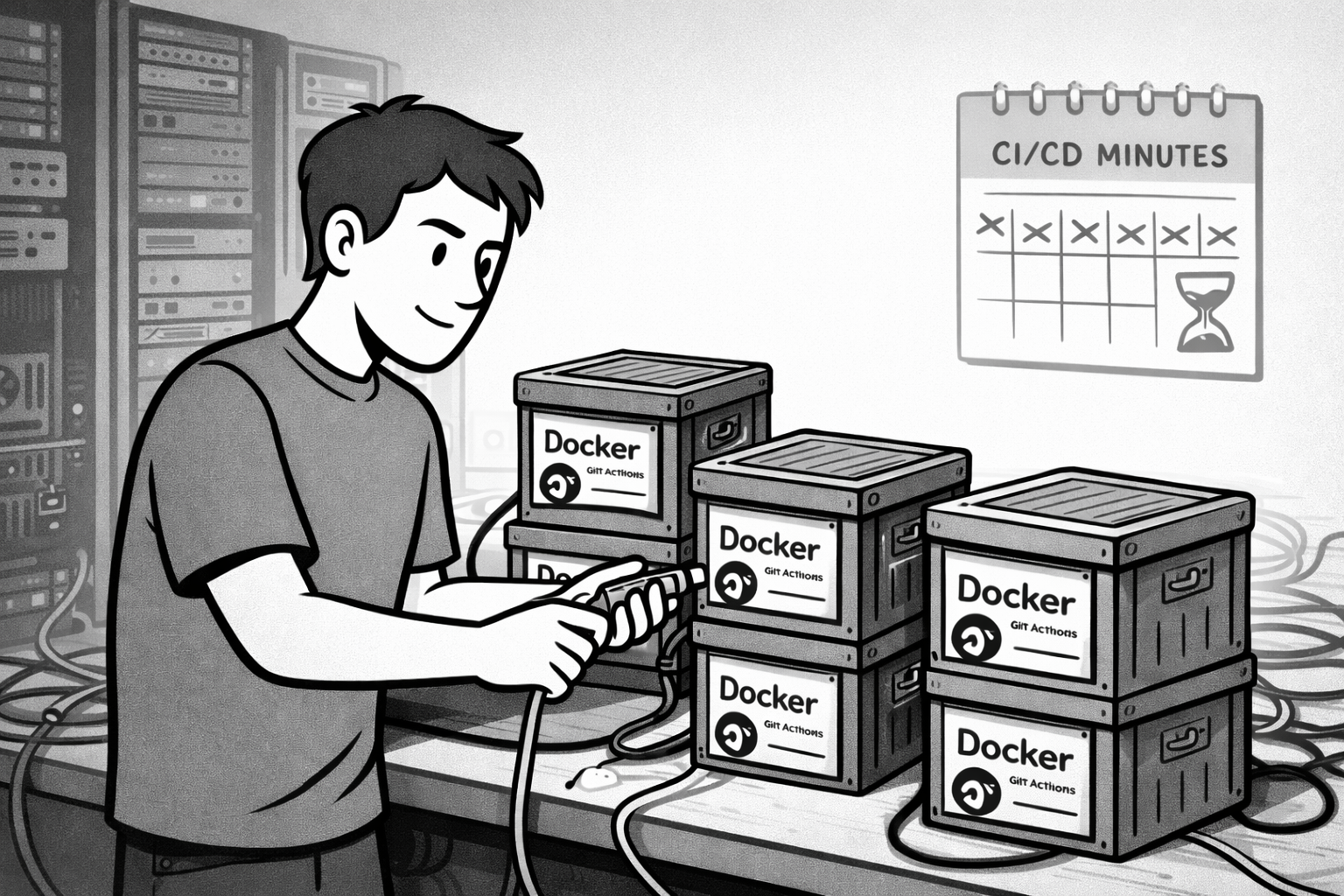
Why Self-Hosted in the First Place?
GitHub Actions gives you 2,000 free minutes per month on their hosted runners. For a small blog that builds and deploys occasionally, that’s plenty. But PermaTechHub is a different beast. I’m building a backend system with multiple services, running tests, building Docker images, and deploying to a cluster. Those minutes evaporate quickly.
I could pay for more minutes, but here’s the thing: I’ve already got the hardware. The same home lab I’m using for Proxmox, K3s, and Docker has plenty of capacity to run CI/CD jobs. Why pay for compute when I’m sitting on idle resources?
There’s a learning angle too. Setting up a self-hosted runner means understanding how GitHub Actions actually works under the hood. What happens when a workflow triggers? How does authentication work? How do you handle secrets? These aren’t abstract questions when you’re the one responsible for the infrastructure.
And honestly, there’s something satisfying about owning the full stack. My code runs in my lab, my CI/CD runs in my lab, and I’m not dependent on some external service staying generous with free tiers. That kind of independence aligns with the permacomputing values I’ve been thinking about.
The First Question: Runner Scope
Before spinning up a runner, I had to answer a basic question: does a runner serve one repo, or can it serve multiple repos?
This matters because I’ve got several projects in flight: this blog, PermaTechHub, various tooling repos. Do I need one runner per project, or can I share a runner across all of them?
Turns out, runners can be scoped in two ways: repository-level or organization-level. A repo-level runner only runs workflows for that specific repository. An organization-level runner can be used by any repo in the org.
For a personal GitHub account, there’s no “organization” unless you create one. So the choice came down to: do I create a GitHub organization just to share runners? Or do I run multiple repository-level runners, one per project?
I went with multiple repo-level runners. Creating an organization felt like unnecessary overhead for what’s essentially a solo operation. Besides, I have the resources. Each runner runs in its own Docker container, isolated and easy to manage. If I need to stop or restart one, it doesn’t affect the others.
This decision also made resource management simpler. I can scale runners as needed without worrying about overloading a single shared runner. And if a runner misbehaves (maybe a build hangs, or a deployment fails), I can troubleshoot it in isolation.
The Docker Question
Once I decided on multiple runners, the next question was: how do I actually run them?
GitHub’s official setup instructions assume you’ll install the runner binary directly on a VM. You download a package, extract it, run a config script, and boom—you’ve got a runner. But I’m not interested in littering my VM with runner installations, each with their own directories and processes. That’s the kind of mess that becomes unmanageable fast.
Docker was the obvious choice. Containerizing the runner means isolation, easy scaling, and no configuration drift. If I need another runner, I just spin up another container. If I need to tear one down, I remove the container. No leftover files, no weird state to clean up.
Sadly, GitHub doesn’t offer an official Docker image for runners—too bad, because it would make things even smoother and more trustworthy. Instead, I found myoung34/github-runner, a community-maintained Docker image that handles all the runner setup internally. You pass a few environment variables—repo URL, runner name, registration token—and the container takes care of the rest. Clean, simple, and battle-tested.
This approach also meant I could treat runners as cattle, not pets. If a runner breaks, I don’t debug it—I just recreate the container. That’s the Docker mindset, and it fits perfectly with how I want to manage infrastructure.