Shipping a Blog with Real DevOps (Part 2): When Simplicity Meets Reality
🛠️ Time for an Engineer’s Side Quest!
Welcome to the behind-the-scenes lab—where I share the practical, messy, and sometimes hilarious realities of building this project.
Previously, in Part 1: I set up Hugo, Docker, user management, and a CI/CD pipeline—only to discover that the real DevOps lessons were just beginning.
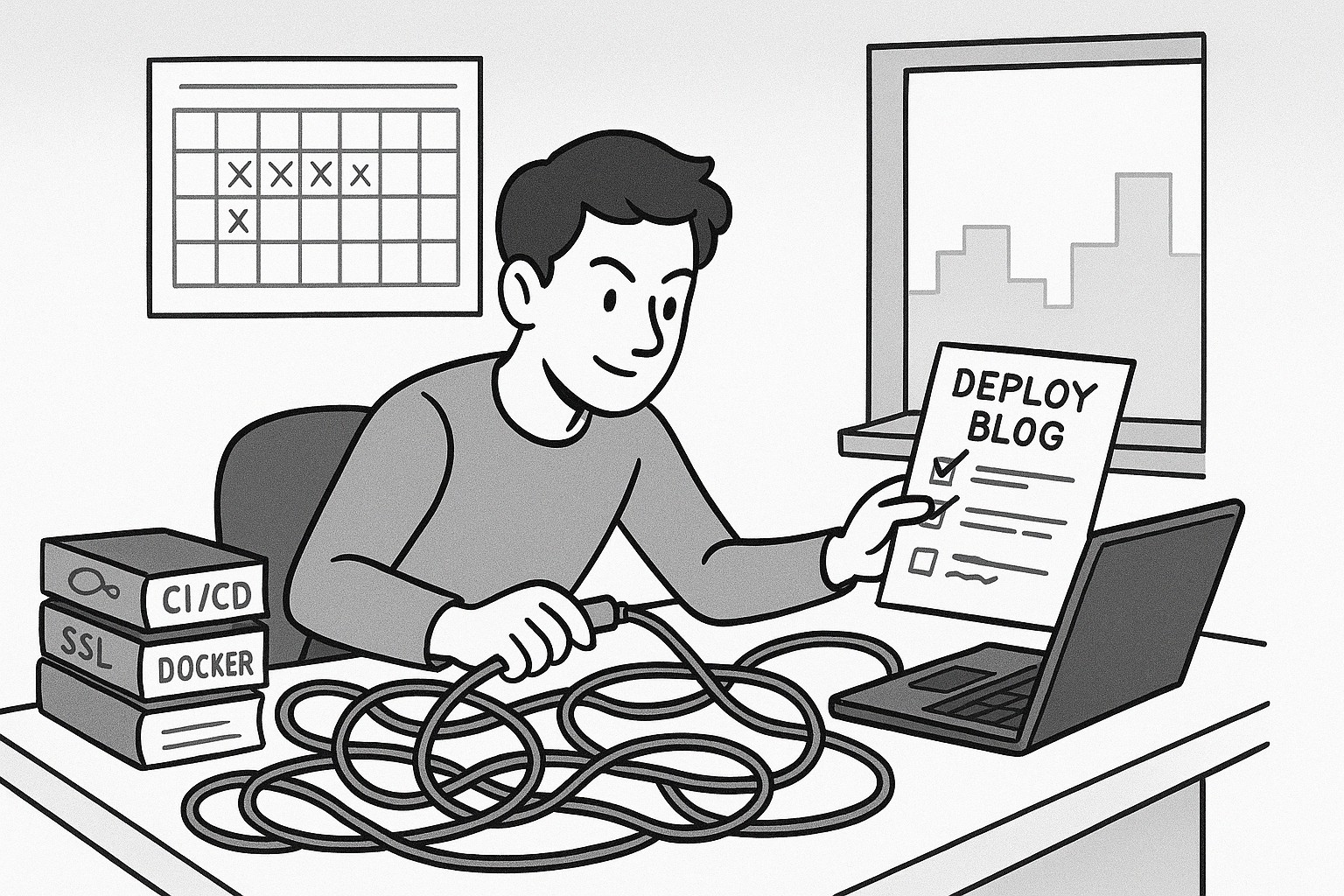
The Two-Nginx Setup: When Simplicity Meets Reality
Here’s where things got interesting. Inside the Docker container, there’s an nginx instance serving the static Hugo files. Simple, fast, works great. But when I added HTTPS with Let’s Encrypt, I needed another nginx on the host to act as a reverse proxy.
At first, this felt redundant. Why two nginx instances? But it makes perfect sense: the container’s nginx is focused on serving content, while the host’s nginx handles SSL termination, HTTP-to-HTTPS redirects, and routing. It’s a clean separation of concerns.
The tricky part was getting the ports right. The container runs on port 80 internally, but it’s mapped to port 8080 on the host (because the host nginx needs port 80 for HTTP traffic). Then the host nginx proxies requests to localhost:8080. I had to update the deployment script to use -p 8080:80 instead of -p 80:80, and suddenly everything clicked.
Certbot made the SSL setup almost too easy. Run certbot --nginx, answer a few prompts, and boom—automatic HTTPS with auto-renewal configured. The only hiccup was a typo in my BASE_URL environment variable (I had a stray parenthesis that got URL-encoded), which broke all the CSS links. Lesson learned: always double-check your environment variables.
When Scheduled Posts Go Missing: Hugo’s “Future” Surprise
Here’s a fun DevOps lesson I didn’t expect: after deploying, I noticed a freshly written post was missing from the live site. The file was there in the repo, draft: false, everything looked right—except Hugo hadn’t published it. Why? Because Hugo, by default, hides posts dated in the future unless you build with --buildFuture. My pipeline had built the image before the post’s publish date, so it was quietly skipped.
This is one of those real-world quirks you only learn by shipping. Tutorials rarely mention it, but in production, it matters. The real key isn’t using --buildFuture—that would publish all future posts immediately. Instead, you need to make sure your build happens after the publication date. If you want scheduled posts to appear on time, your pipeline must rebuild the site once the date arrives. It’s a subtle but important detail: Hugo only generates HTML for posts whose date has passed, so automation (like a daily scheduled build) is what makes scheduled publishing work. Another small but meaningful lesson in the messy reality of DevOps.
Private Repository and Token Management
I decided to keep the repository private. The repo includes drafts, personal notes, and planning documents I’m not ready to share publicly. Keeping it private gives me the freedom to iterate without worrying about what’s visible.
I also kept the Docker images private in GitHub Container Registry. Technically, since it’s a personal blog, nobody needs access to the built images anyway—what would they do with them? But beyond that, keeping images private felt like good practice. It forces you to think about authentication, token management, and access control from the start. It’s the kind of operational discipline that matters in real-world systems, and practicing it on small projects means you’re ready when it actually matters.
For local development, I created a GitHub Personal Access Token with write:packages permissions and stored it in a .env file (which is gitignored, obviously). For the droplet, I used the same token to authenticate Docker. And for GitHub Actions, the automatically provided GITHUB_TOKEN works perfectly.
Managing these tokens felt a bit finicky at first—making sure they’re formatted correctly, stored securely, and rotated periodically. But it’s the kind of operational discipline that matters in real-world systems, even small ones. Maybe I’ll make the repo public eventually, once I’ve cleaned up the internal docs and established a clearer structure. For now, private works.
What This Taught Me About DevOps
Before this project, DevOps felt like this nebulous thing that “ops people” did. Now I get it: it’s just the practice of making deployments reliable, repeatable, and safe. It’s about automating the boring stuff so you can focus on the interesting stuff. And it’s about thinking through failure modes—what happens if the container doesn’t start? What if the SSH key is wrong? What if the image fails to pull?
I wouldn’t call this a production-grade setup yet. There’s no monitoring, no alerting, no rollback strategy beyond “SSH in and fix it manually”. But it’s a solid foundation, and more importantly, it’s something I built and understand deeply.
The best part? Every time I push to main, the site updates automatically. Linting runs, the Docker image builds, and within a couple of minutes, the new version is live at https://jerosanchez.com. It’s not magic—it’s just a well-configured pipeline doing what it’s supposed to do. And that feels pretty damn satisfying.
The Real Lesson: You Learn By Shipping
If I’m honest, the biggest lesson wasn’t technical—it was about overcoming inertia. I could have spent weeks watching tutorials, reading docs, and planning the perfect setup. Instead, I just started shipping. I broke things. I fixed them. I learned what mattered and what didn’t.
This project wasn’t just about setting up a blog. It was about proving to myself that I can take a vague goal (“I want to understand DevOps better”) and turn it into something real. It was about embracing the messy, iterative process of building and deploying software.
And you know what? It worked. The blog is live, the CI/CD pipeline is humming along, and I’ve got a much clearer picture of what DevOps actually involves. Not the buzzwords or the hype—the real, practical work of making systems reliable.
Next up? I’ll be diving into the backend project I mentioned in When Plan A Fails—building something with real data, real APIs, and all the challenges that come with persistence and concurrency. But for now, I’m just glad the blog is out there. One step at a time, right?
If you’re thinking about building something but keep putting it off because you’re not “ready” yet—just start. You’ll figure it out as you go. That’s what I’m doing, anyway.
Next Steps
With the infrastructure humming, I’m already thinking about what’s next—maybe migrating to the home lab, or adding Vale for prose linting. But that’s a story for another Saturday!
📝 A Note from Future Me (Three Weeks Later):
So… remember when I said I was “thinking about” migrating to the home lab? Yeah, well, I got a little carried away. By the time you’re reading this, I’ve already built a Proxmox cluster in my home lab, set up a local Docker registry, and configured a self-hosted GitHub Actions runner. The blog? Still happily running on the droplet. But pipelines don’t depend on GitHub’s infrastructure any longer, and images never leave my network.
And here’s the kicker: I decided to use this very blog as my test subject for the new infrastructure. Because why would I test on an empty repo when I could risk breaking the live site that hundreds of people read? (Okay, maybe dozens. Fine, maybe my mom and a few LinkedIn connections. But still!) Nothing says “I’m learning DevOps” quite like deploying your personal blog through an untested home lab setup and hoping for the best.
Did I need to do all this? Probably not. Did I learn a ton about infrastructure, networking, and why enterprise teams love having control over their build systems? Absolutely. Was it fun? You have no idea. Did the blog go down while I debugged registry authentication? …no comment.
I’ll tell you the whole story in due time—the victories, the face-palms, and why setting up a local Docker registry felt like the most sensible thing in the world. Stay tuned. This got way more interesting than I planned.